

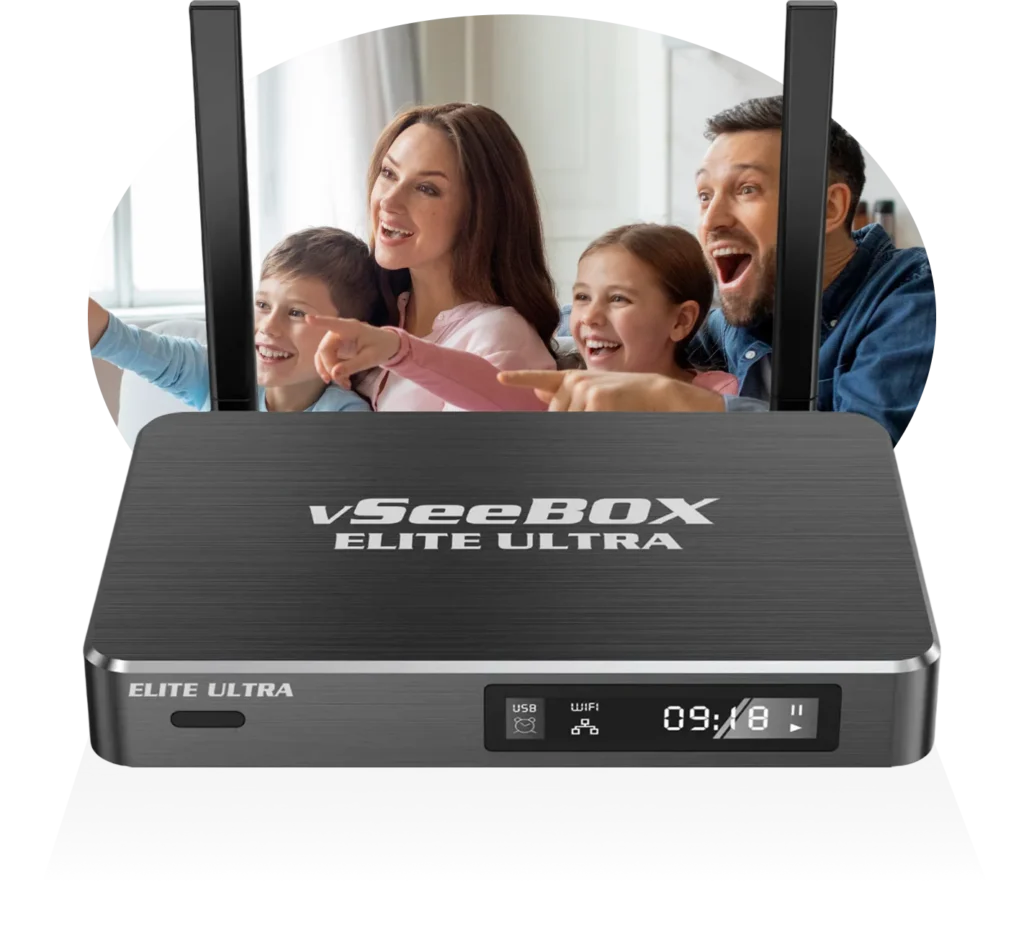
FREE SHIPPING ON ALL BOXES!
One-Time Purchase, Lifetime Access
The Center of Your Home Entertainment
WHY VSEEBOX?
vSeeBox replaces cable and subscriptions with a single powerful device
Built for speed, clarity, and total control over what you watch.
Powered by Android 11/12/14
Choose from models running Android 11, 12, or 14 for the latest performance and security.
Premium Apps Pre-Loaded
Stream thousands of channels and on-demand titles with your own subscriptions.
Wi-Fi 6 Dual-Band Connectivity
Stable, high-speed streaming with less buffering and stronger signals.
7-Day Playback Feature
Rewind or catch up on missed programs from the past 7 days anytime.
Voice Command & Smart Remote
Hands-free control for quick navigation and instant search.
Parental Controls
Keep viewing family-friendly with content filters and password protection.
4 GB RAM + Up to 128 GB Storage
Fast multitasking and ample space for apps, recordings, and updates.
Up to 8K HDR Cinematic Quality
Brilliant color, sharp detail, and smooth playback for a theater-level experience.
Choose Your vSeeBox
Pick Your vSeeBox and Start Streaming Smarter Today.
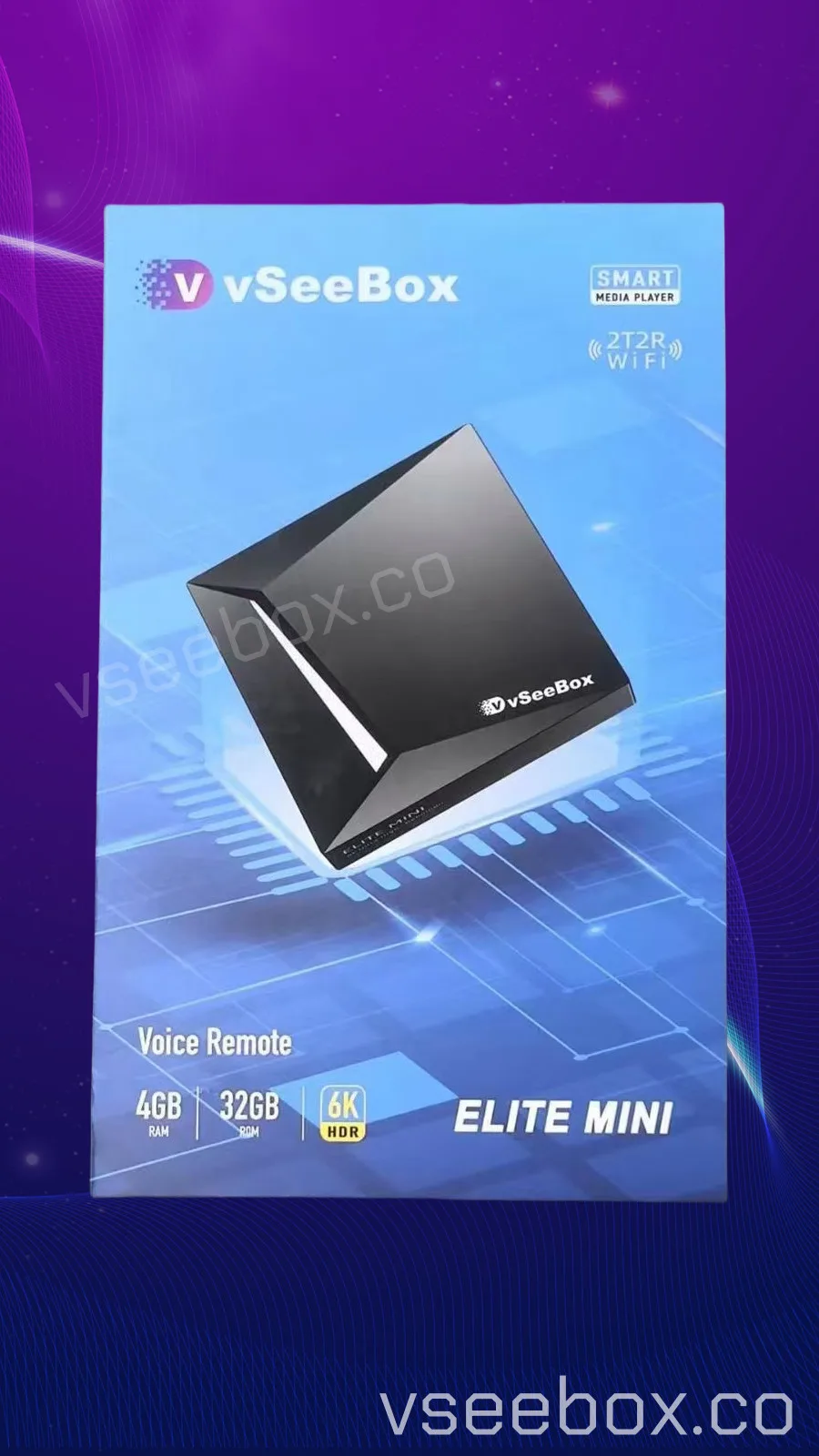
vSeeBox Elite Mini
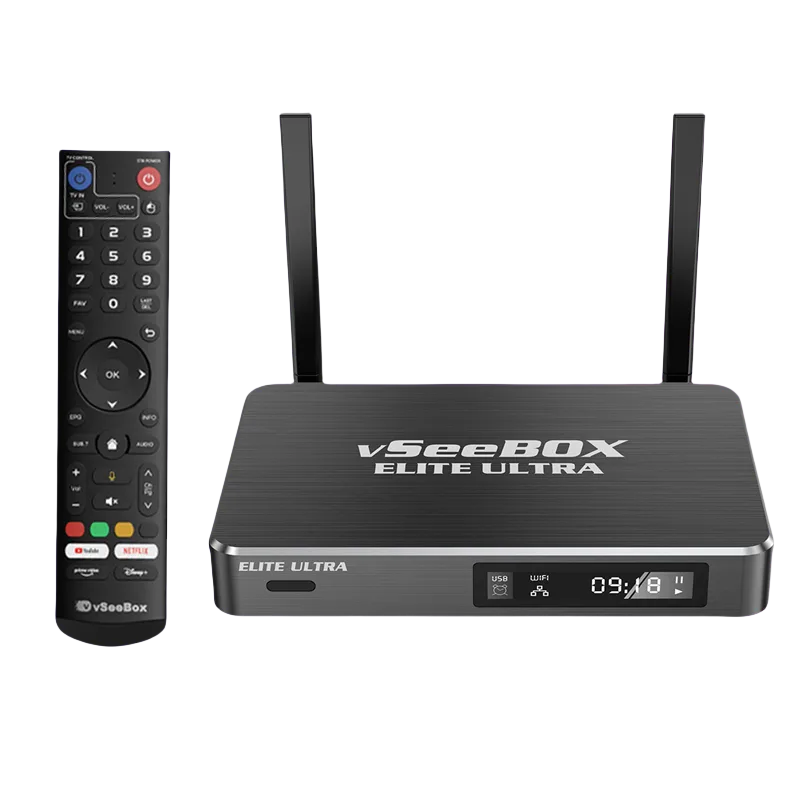
vSeeBox Elite Ultra
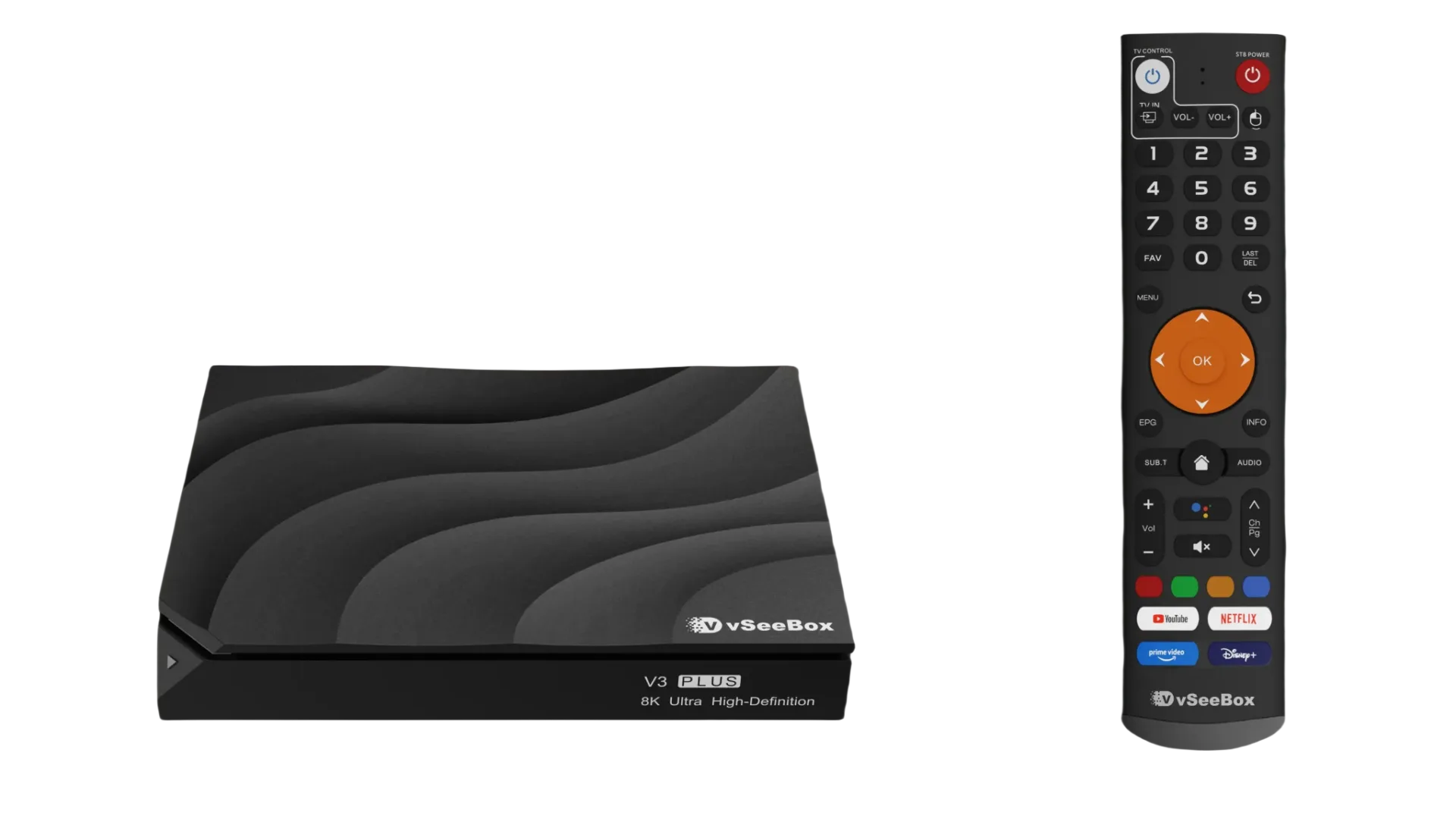
vSeeBox V3+
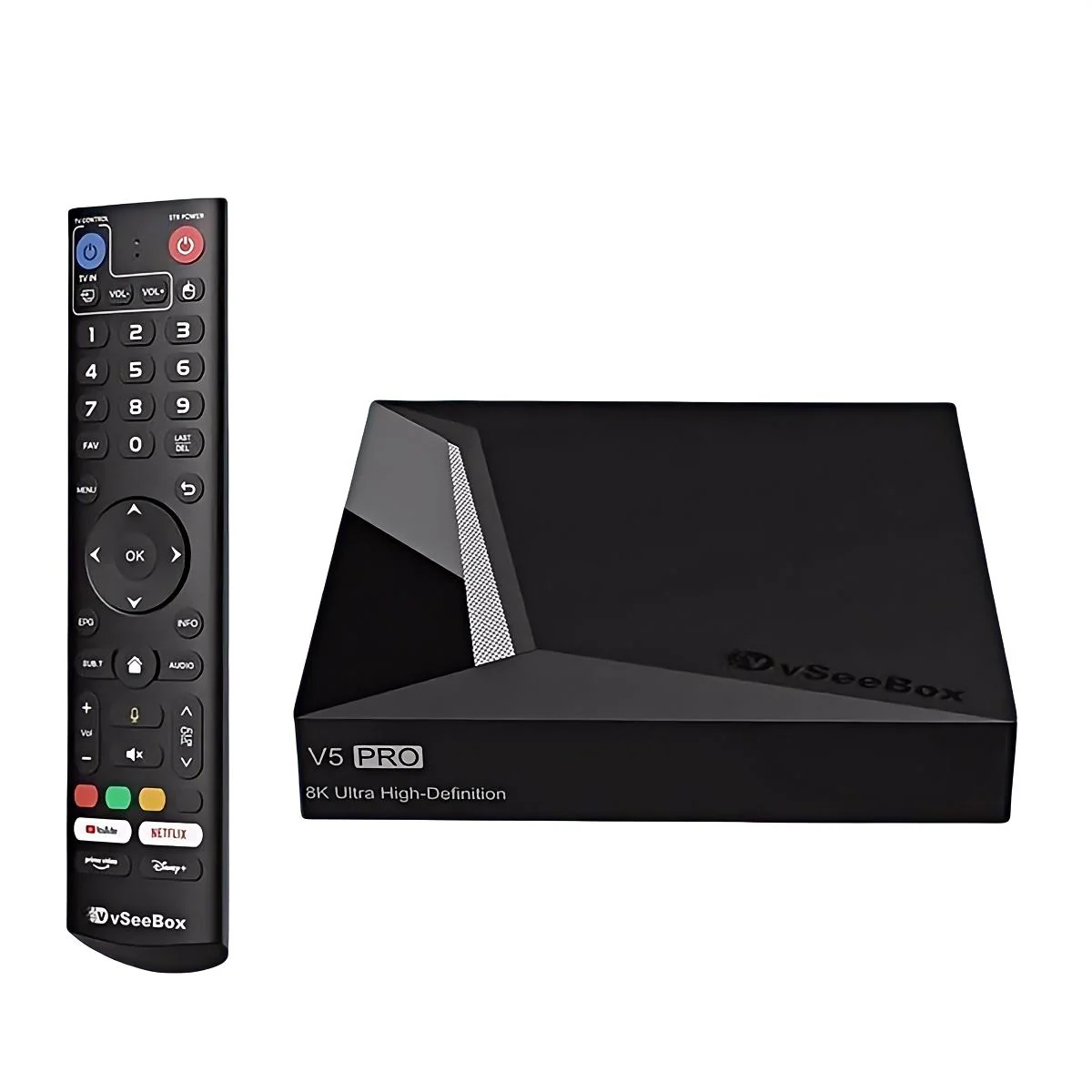
vSeeBox V5 Pro
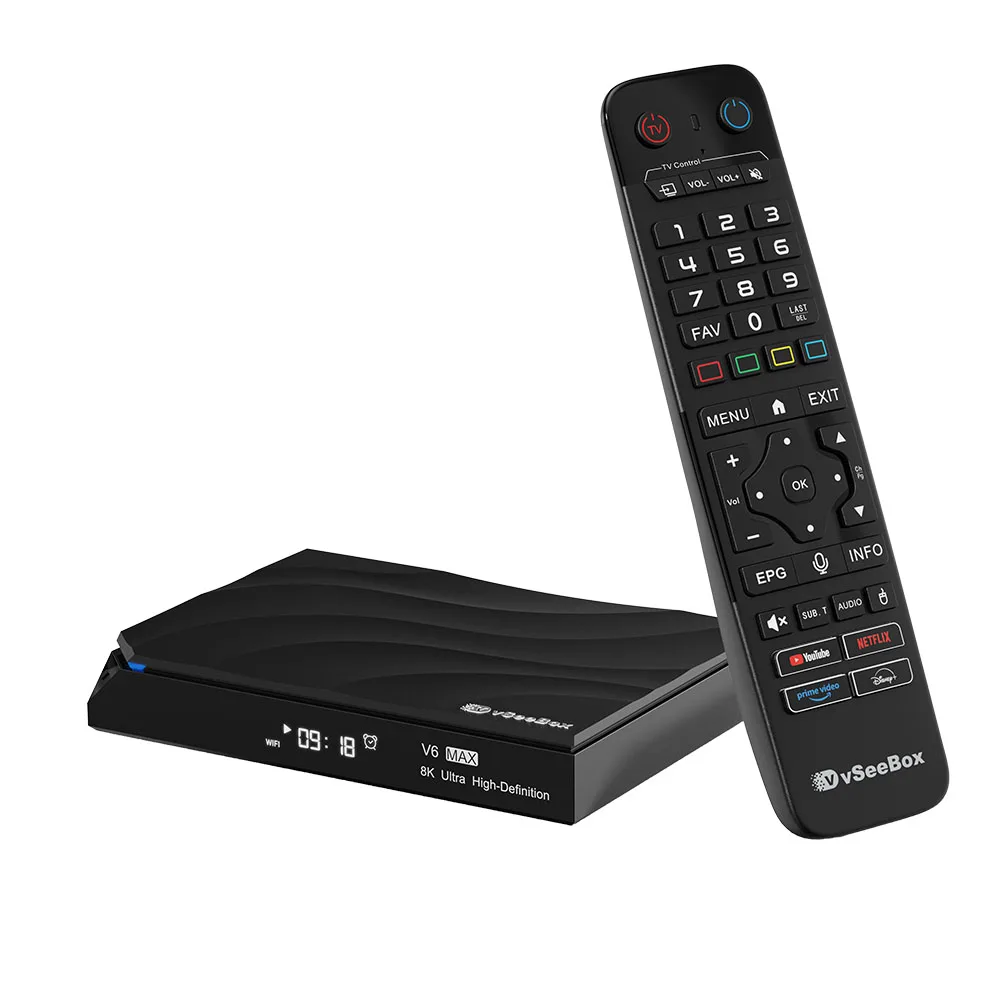
vSeeBox V6 MAX
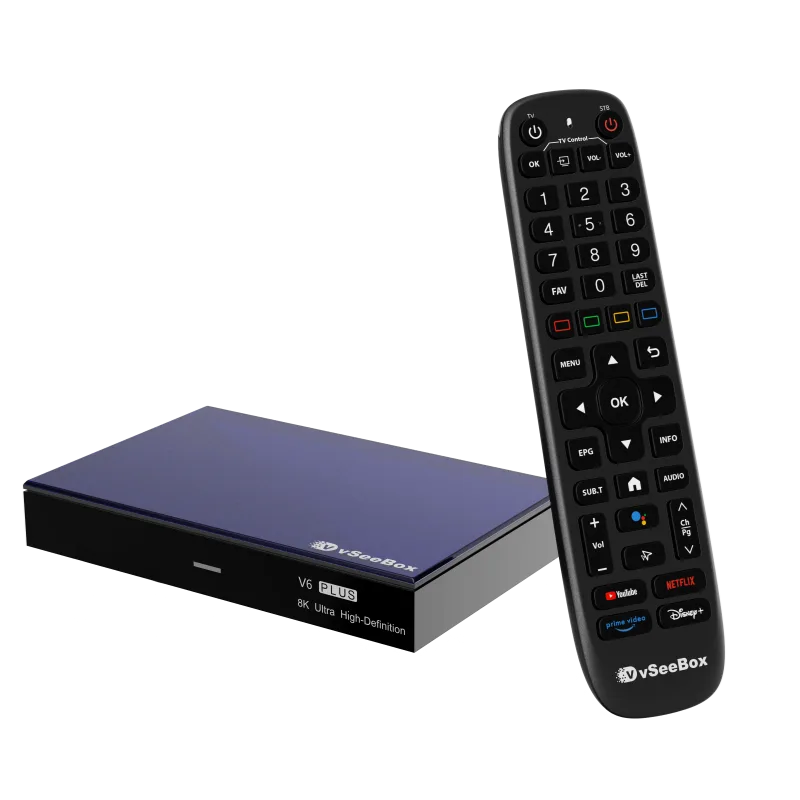
vSeeBox V6 Plus
Setup in Minutes
Streaming Has Never Been This Simple.
No technicians. No confusion. No waiting.
Plug In Your vSeeBox
Connect to your TV via HDMI and power on.
Connect Internet
Wi-Fi or Ethernet — your choice for fast streaming.
Download and Stream
That's it. Start watching in minutes.
The vSeeBox Advantage
Give Yourself the Experience You Deserve
8K
Ultra HD Resolution
300+
Live Channels
$0
Monthly Fees
1 Yr
Hardware Warranty
Streaming Power
Break free from limits and watch the way you want. vSeeBox gives you instant access to live TV, movies, and sports — all in vivid quality and without monthly fees. No contracts. No restrictions. Just fast, reliable streaming that puts you in control.
Endless Apps, One Box
Everything you love, all in one place. Stream your favorite shows, catch live sports, explore news, or play games — all without juggling multiple subscriptions. vSeeBox brings every app you need together in one seamless hub.
Designed for Excellence
Crafted for performance and built to last, vSeeBox combines sleek design with serious power. Its advanced hardware and optimized software work together to deliver smooth, uninterrupted streaming in stunning clarity.
Our Customers Say It Best
“Setup was straightforward and the picture quality felt like a real upgrade.”
Jessica V.
“Wanted a seller that actually answers support questions. vSeeSource delivered.”
Arnold B.
“The quality is insane. vSeeBox changed how I watch TV.”
Ralph W.
Join 1,000+ Happy Streamers
Frequently asked questions
Have Questions?
Do I need a subscription to use vSeeBox?
What channels can I watch?
Does vSeeBox work with my TV?
Does vSeeBox come with a warranty?

We're Here to Help
Not Sure Which Model Is Right for You?
Our team can help you choose the perfect vSeeBox based on your setup, usage, and budget. Reach out and we'll guide you through the options.